Smart Customer Service: Automation with WhatsApp and CRM

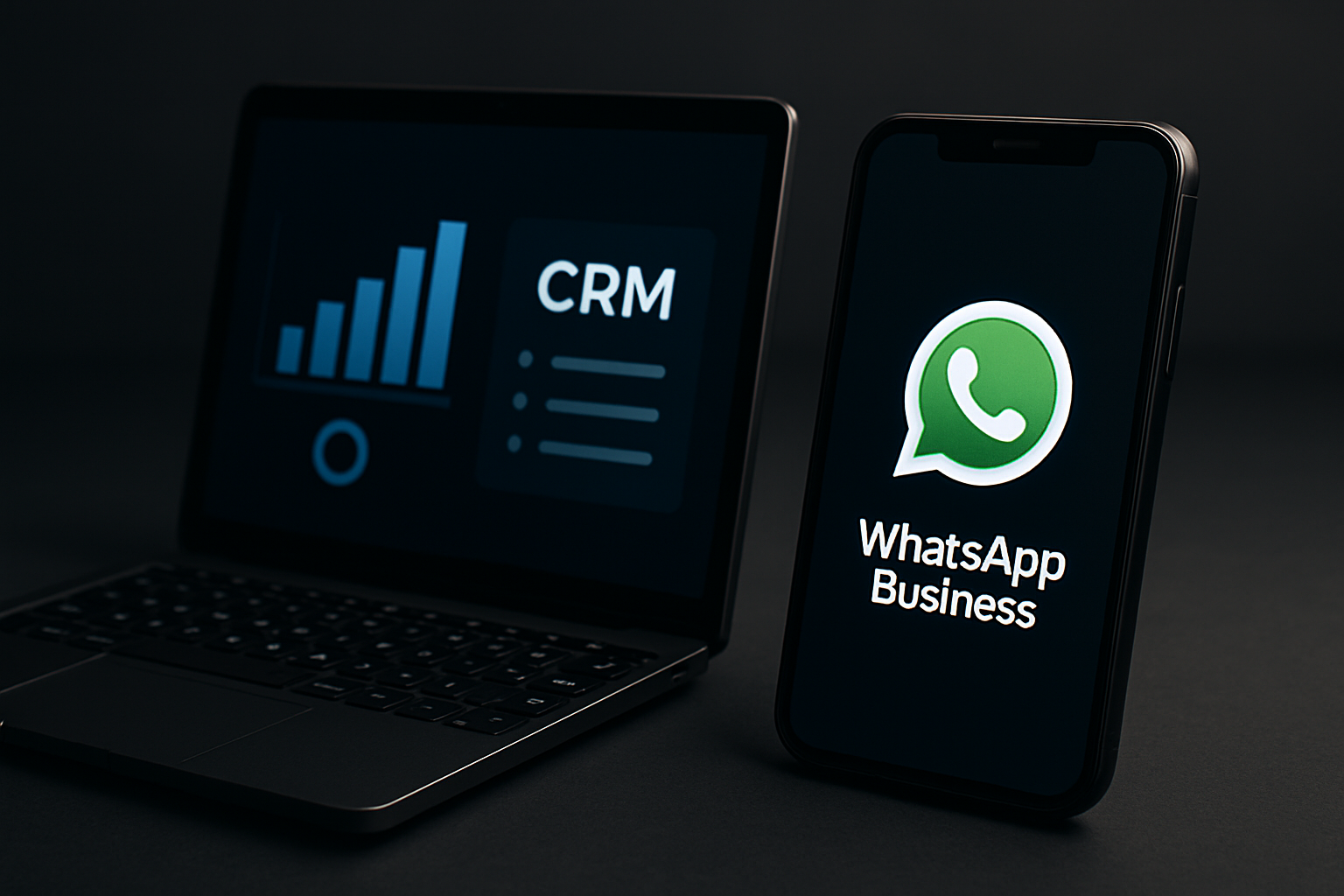
In today's digital age, smart customer service is not just a competitive advantage; it is a necessity. Customers expect quick responses and support available at all times, and services like WhatsApp and CRM offer efficient solutions for providing excellent customer service. The integration of WhatsApp with CRM allows organizations not only to streamline communication with customers but also to enhance the overall customer experience.
This feature of smart customer service requires a deep understanding of the technologies behind these solutions. WhatsApp, with over a billion active users, offers a convenient and accessible platform, while CRM enables focused and efficient management of customer data. The combination of the two creates a more direct and personal connection with customers, leading to significant improvements in service and customer loyalty.
In this post, we will explore the benefits of integrating WhatsApp with CRM, learn how to set up a smart chatbot that responds to inquiries, examine measurement methods for improving customer experience, and present automation processes that can save time and money. All of this will be accompanied by practical examples and case data from the technology world in Israel.
Benefits of Integrating WhatsApp with CRM
The integration of WhatsApp with CRM offers many advantages that allow organizations to improve service and increase efficiency. One of the main advantages is fast communication. Customers can send messages in real-time, and with a link to CRM, customer information is immediately available to service representatives.
Additionally, the use of WhatsApp allows organizations to support customer service in a convenient and intuitive manner. Customers do not have to wait on the line or send emails. They can simply send a message and receive quick responses, which increases satisfaction.
Another advantage is the ability to collect customer data effectively. The CRM can analyze the conversations received on WhatsApp and provide insights into common issues, customer activity hours, and even the range of common questions. This way, the organization can improve responses and focus training for representatives.
How to Set Up a Smart Chatbot that Responds to Inquiries
Chatbots have become an integral part of modern customer service. Setting up a smart chatbot on WhatsApp is a relatively simple task, but it requires precise planning. First, you need to choose the platform through which you will build the chatbot. There are several popular platforms like ManyChat, Chatfuel, and Dialogflow.
Once you have chosen the platform, you need to define the frequently asked questions that you want the bot to respond to. For example, if you run an online store, the questions may include "What is your return policy?" or "How do I track my order?".
Next, you can start building the flow of the conversation. For example, if a customer asks about the return policy, the bot can send a clear and detailed response, and then ask if they have any further questions. This way, you are not only providing information but also maintaining interaction.
Here is a simple code example for building a chatbot with Dialogflow:
# Basic example of a chatbot in Dialogflow

# Defines the questions and responses
intent = {
    "name": "Return Policy",
    "responses": [
        {
            "text": "Our return policy is 30 days from the date of purchase."
        }
    ]
}

# Creates the intent in Dialogflow
create_intent(intent)
Measurement Methods for Improving Customer Experience
To improve customer experience, it is important to measure your service performance and examine customer feedback. There are several measurement methods that can help you understand where you stand and what improvements need to be made.
One popular method is the NPS (Net Promoter Score). This metric assesses customer loyalty by asking the question: "How likely are you to recommend our service to a friend?". The result can help you understand customer satisfaction.
Another method is conversation analysis. Analyzing the content of conversations on WhatsApp can provide valuable insights into common issues, as well as areas where there is room for improvement. Advanced analysis tools can provide data on response times, the number of conversations required to resolve an issue, and more.
Automation Processes That Can Save Time and Money
Automation is one of the most powerful tools for improving customer service efficiency. With automation, you can save time and money while maintaining a high level of service. For example, you can set up automatic responses to common inquiries, so service representatives do not have to deal with repetitive questions.
Another process that can be automated is routing inquiries to the appropriate representatives. For instance, if a customer requests technical information, the bot can forward the inquiry directly to a specialist in that field. This way, customers receive the correct response in the shortest time possible.
Additionally, automation can be used to manage customer information more efficiently. For example, every conversation can be automatically updated in your CRM, including all responses and comments from representatives. This way, every new representative can start working based on existing knowledge.
Practical Cases from the Technology World in Israel
In Israel, there are several companies that have successfully adopted the integration of WhatsApp with CRM. One of them is "Wix", which offers a website building platform. Wix uses WhatsApp to communicate with its customers and provide support, using their CRM to manage all inquiries.
Another case is "Pelephone", which developed an automated system that allows customers to perform basic actions such as topping up a card, changing packages, and so on through WhatsApp. This system saves time and allows customers to perform actions easily and quickly.
"Gett", which offers taxi services, uses WhatsApp for communication with both drivers and customers. With the integration of chatbots and CRM, they manage to optimize service and provide quick responses, leading to high customer satisfaction.
Best Practices and Tips
To get the most out of the integration of WhatsApp with CRM, there are several tips and best practices to keep in mind. First, ensure that your chatbot is updated and supports all the frequently asked questions from customers. This will help alleviate the burden on representatives.
Second, it is important to conduct periodic checks on your automation processes. Are they functioning smoothly? Are there any technical issues? Regular analysis of the data can help you identify problems and improve service.
It is also important to maintain ongoing communication with customers. Sending surveys after conversations or inquiries can provide you with valuable insights into the customer experience.
Insights and Lessons for the Future
Ultimately, integrating WhatsApp with CRM is a powerful tool for improving customer service. The information obtained allows organizations to understand customer needs and respond quickly. Automation, chatbots, and measurement methods are just some of the ways to achieve this.
As we have seen, many companies are already adopting these changes and are enjoying the clear benefits of improved customer service. It is important not only to implement the technology but also to invest in training and ongoing processes to enhance the customer experience.
The future of customer service will depend on our ability to adopt new technologies and use them wisely. Through the correct integration of WhatsApp and CRM, we can ensure smart and advanced customer service that will lead to positive results for all parties involved.
If you run a business, do not hesitate to take action. Start exploring the tools and platforms available to you, and examine how you can upgrade your customer service. The future is already here, and it starts now.




Comments
💬 Share your thoughts