Guide: How to Transition to a Cloud CRM System in 5 Steps

Nowadays, businesses of all sizes understand the importance of managing customers in an organized and efficient manner. A cloud-based CRM (Customer Relationship Management) system is the perfect tool to assist with this. With the transition to the cloud, companies can access their data from anywhere at any time, improve communication with customers, and streamline their business processes.
However, transitioning to a cloud CRM system is not a simple step. This process requires careful planning and organized execution to ensure that the transition occurs smoothly and without issues. In this article, we will present the five key steps that will enable you to successfully transition to a cloud CRM system. We will start with preparation before the transition, continue to technical steps for data migration, discuss common challenges, and show how to integrate the system with additional tools like WhatsApp and email.
To ensure that the transition to a cloud CRM system is carried out smoothly, it is important to understand the necessary steps. Each step requires special attention and a deep understanding of your business needs. This article aims to provide you with the necessary tools so that you can feel confident and secure in the transition process.
Preparation Before the Transition: What to Check?
The first step in transitioning to a cloud CRM system is thorough preparation. You need to examine your business needs, understand what your goals are, and what existing tools you are currently using. Are you satisfied with them? Do they provide everything you need? Consolidating your current data can help you understand what you want to retain in the new system.
Additionally, you should check the various options available in the market. There are many CRM systems, each offering different features. It is important to choose a system that fits your specific needs. For example, if you are a small company, you may not need all the features offered by more advanced systems, and you can opt for a simpler and more affordable system.
Furthermore, it is advisable to conduct market research and read reviews about different CRM systems. Look for feedback from other users, check the company's expertise in your sector, and whether they have similar clients. This preparation will help you avoid common mistakes and ensure that the transition is carried out smoothly.
Technical Steps for Data Migration
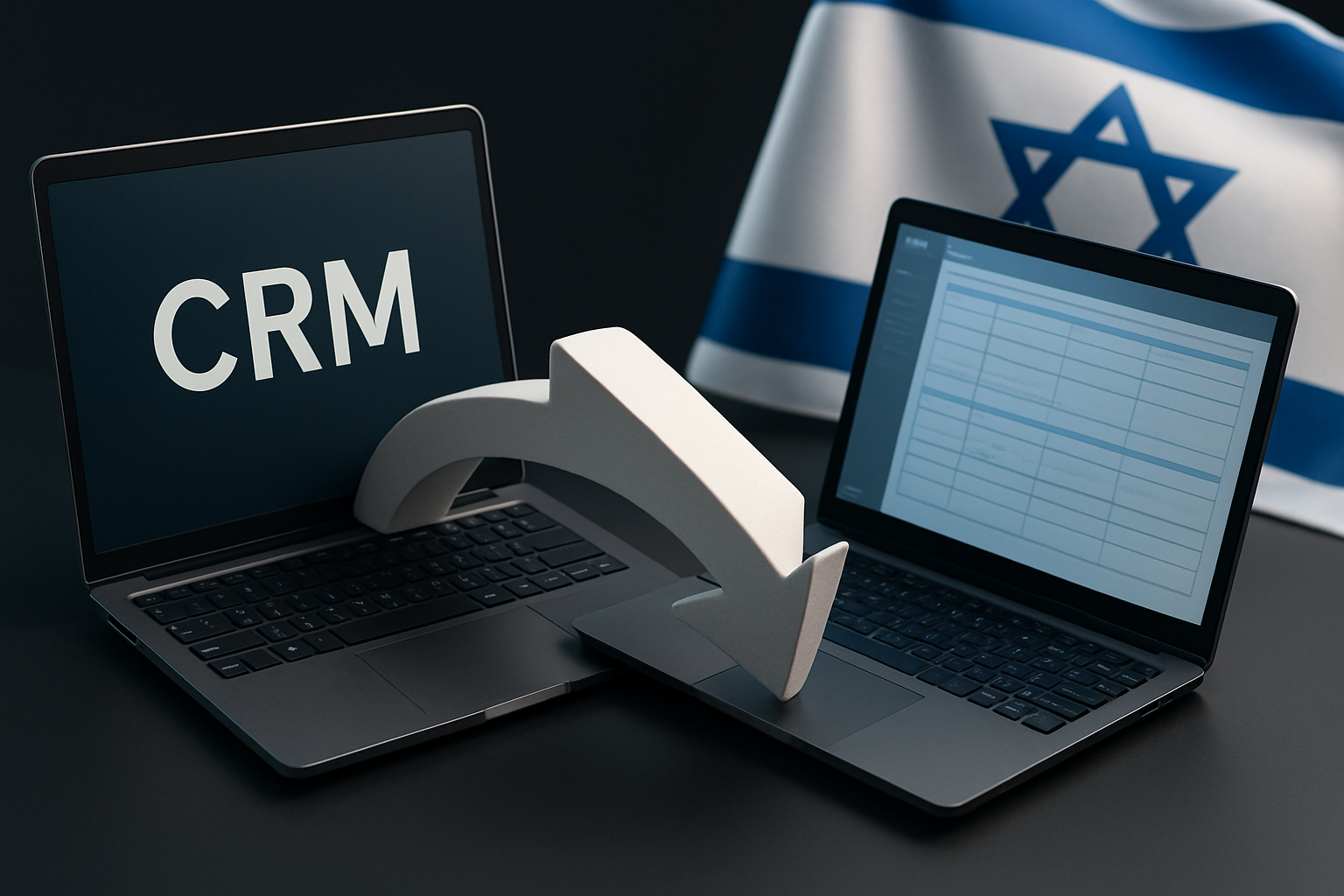
After you have chosen the right CRM system for you, the next step is data migration. This is a critical process, and it can be challenging if not planned well. First, you need to back up all your current data. This backup should include all important information, such as customer details, sales history, and communication data.
Next, you need to import the data into the new system. Most modern CRM systems offer tools that allow you to import data from various files like CSV or Excel. For example, if you have a list of customers in an Excel file, you can use the import function in the CRM system to easily upload the data.
It is important to pay attention to the data format. Ensure that your data is numbered and in the correct format so that the import can proceed without issues. If you have data that does not match the required format, take the time to correct it beforehand. This can prevent problems in the future and maintain order in the new system.
# Example of importing data from a CSV file into a CRM system
import pandas as pd

# Read the file
data = pd.read_csv('customers.csv')

# Display the data
print(data.head())  # Print the first five rows
Common Challenges and How to Deal with Them
Like any transition process, there are common challenges that can occur during the transition to a cloud CRM system. One of the most common challenges is incompatibility between systems. Not all data is always transferred smoothly, and sometimes data can be lost or distorted. To avoid this, it is important to check the data after import and ensure that everything has been transferred correctly.
Another challenge is team training. After you have completed the transition, all your employees need to know how to use the new system. Investing in training is critical to the success of the transition. You can hold in-house workshops or use online guides to instruct the team on how to use the new system.
Finally, it is important to prepare for technical issues that may arise during the transition. You need to be ready to deal with problems like unstable internet connections, access issues to the new system, or other technical glitches. Planning ahead and preparing a backup plan can help you navigate this period smoothly.
Integration with Additional Tools like WhatsApp and Email
One of the advantages of a cloud CRM system is the ability to integrate it with other tools that can enhance your communication with customers. For example, a modern CRM system can easily connect to WhatsApp, allowing you to manage conversations with customers directly from the system. This saves time and eliminates the need to switch between different applications.
Additionally, integration with email is critical. Most CRM systems offer tools for email management, allowing you to send messages to customers, track email openings, and analyze responses. For example, if you are sending an email campaign to customers, you can track who opened the message and who did not, and adjust your approach accordingly.
Another example is integration with project management tools. If you are working on multiple projects simultaneously, a CRM system can combine customer data with project progress, so you always know where you stand. This can improve communication between different teams and streamline work.
Real-World Cases and Applications in Israel
To better understand the advantages of a cloud CRM system, let’s examine several real-world cases from Israel. For example, an Israeli company in the digital marketing sector decided to move its CRM system to the cloud. The goal was to improve communication with customers and streamline the campaign management process.
After the transition, the company was able to save a lot of time by integrating the system with WhatsApp. Every customer conversation was logged directly into the system, and the team could track all communications. Additionally, they used CRM tools to analyze the information received from customers, which helped them better understand market needs.
Another case is an Israeli fintech startup that decided to upgrade its CRM system to improve customer service. After the transition to the cloud, they were able to make information accessible to all teams, so everyone could see customer history and actions taken. This improved efficiency and reduced the time required for managing communication.
Finally, a company in the agricultural technology sector in Israel transitioned to a cloud CRM system to streamline its relationship with farmers. By integrating with email, they were able to send updated information to farmers about new products, promotions, and training sessions. This not only improved customer relations but also increased their sales.
Best Practices and Tips
To ensure that the transition to a cloud CRM system proceeds smoothly, there are several best practices you should adopt. First, it is important to hold planning meetings with all teams involved in the process. This will allow you to understand the different needs and ensure that everyone is synchronized.
Second, invest time in training your staff on how to use the new system. You can create training content, hold workshops, and provide technical support in the weeks following the transition. This way, you ensure that everyone feels comfortable with the changes.
Finally, do not forget to track the results. After the transition, take the time to analyze the performance of the new system. Is it improving work efficiency? Are customers more satisfied? Answers to these questions can help you make further improvements in the future.
Insights and Next Steps
In conclusion, transitioning to a cloud CRM system is an important step that can significantly upgrade your business. You need to plan the transition carefully, check the data, and ensure that your team is trained to use the new system.
If you take the steps mentioned in this article, you can ensure that the transition proceeds smoothly and without


Comments
💬 Share your thoughts