Integration of WhatsApp Business API with CRM: The Complete Guide
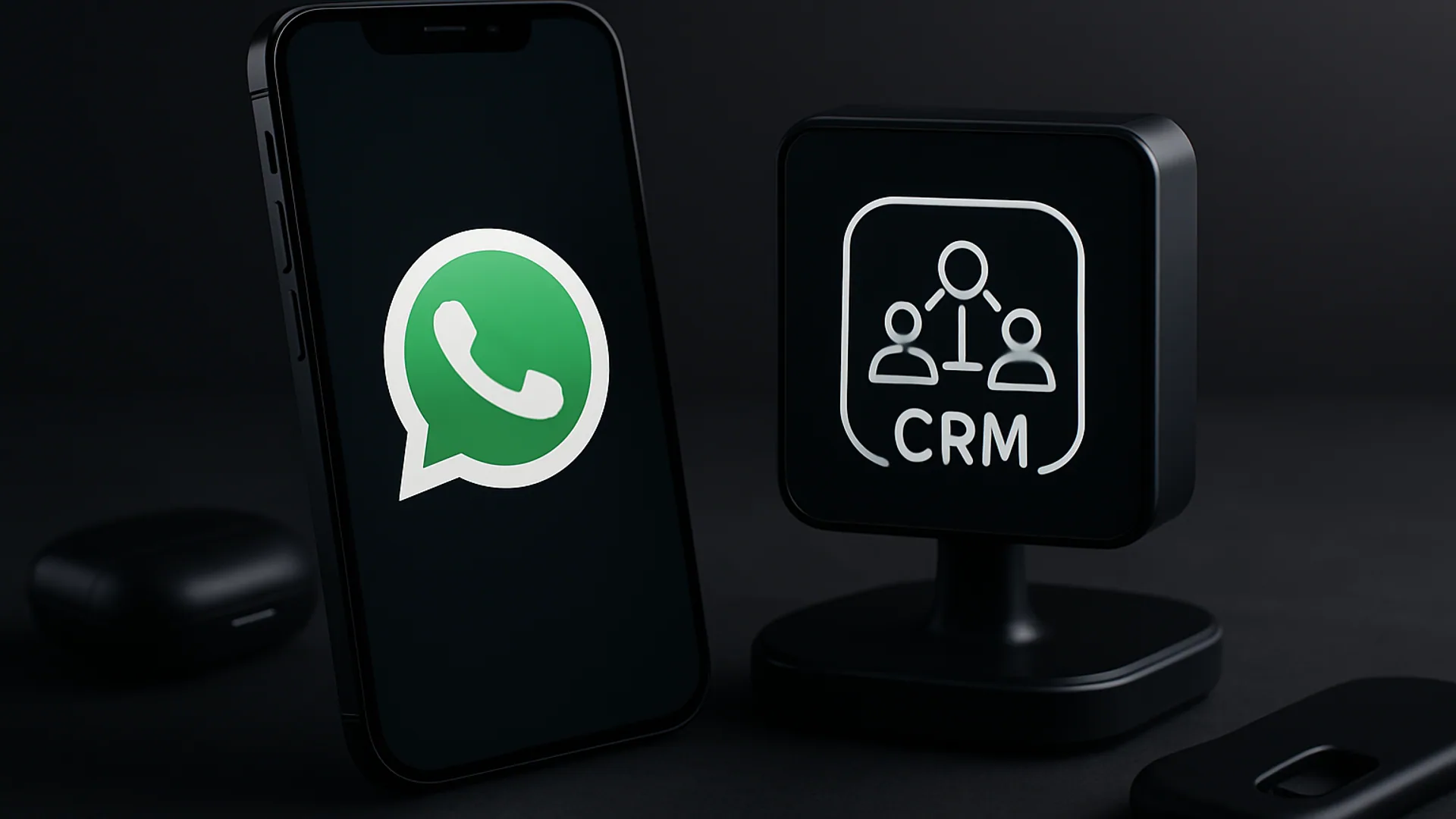
Integrating WhatsApp Business API with CRM: The Complete Guide
In today's digital age, the ability to communicate with customers quickly and efficiently is critical to the success of any business. One of the most popular tools for customer communication is WhatsApp. With the introduction of the WhatsApp Business API, businesses can significantly upgrade their customer service and manage interactions with customers in a more automated and professional manner.
Integrating WhatsApp Business API with a Customer Relationship Management (CRM) system allows businesses to offer personalized services, document conversations with customers, and automate many processes. In this article, we will learn how to connect the WhatsApp Business API with CRM, review the benefits of this integration for your business, and provide real examples of businesses that have successfully upgraded their service with these tools.
Additionally, we will offer tips for tracking customers using automation, so you can maximize the integration of WhatsApp with CRM. If you are tech-savvy and looking to enhance your communication with your customers, keep reading!
How to Easily Connect WhatsApp Business API with CRM
The first step in connecting the WhatsApp Business API with a CRM system is to register for the WhatsApp Business API service. You need to ensure that you meet WhatsApp's requirements, including owning a phone number dedicated to business use and operating a legitimate business.
After registration, you will need to use the API library provided by WhatsApp. There are many libraries available in different programming languages, such as Python, JavaScript, and PHP. This allows you to integrate the API with your CRM system relatively easily.
To connect the WhatsApp Business API with CRM, you need to configure the API to communicate with the CRM system. For example, if you are using PHP, you can use the following code to send a message to a customer:
 "https://api.whatsapp.com/send?phone=PHONE_NUMBER",
 CURLOPT_RETURNTRANSFER => true,
 CURLOPT_ENCODING => "",
 CURLOPT_MAXREDIRS => 10,
 CURLOPT_TIMEOUT => 30,
 CURLOPT_HTTP_VERSION => CURL_HTTP_VERSION_1_1,
 CURLOPT_CUSTOMREQUEST => "POST",
 CURLOPT_POSTFIELDS => json_encode(array("message" => "Your message")),
 CURLOPT_HTTPHEADER => array(
 "Content-Type: application/json",
 "Authorization: Bearer YOUR_TOKEN"
 ),
));

$response = curl_exec($curl);
$err = curl_error($curl);

curl_close($curl);

if ($err) {
 echo "Error: " . $err;
} else {
 echo "Message sent: " . $response;
}
?>
Additionally, you need to configure your CRM system to receive incoming messages from WhatsApp. This may involve creating an integration with a Webhook that links WhatsApp to the CRM, so that every incoming message is saved in the system and available to your staff.
Benefits of Using This Integration for Your Business
Integrating WhatsApp Business API with CRM offers several significant advantages. First, it allows you to manage communication with customers in a more organized and professional manner. Instead of sending manual messages to each customer, you can automate the process, saving time and resources.
Second, this integration allows you to track all interactions with customers, enabling you to analyze the data and improve your services. For example, you can know which questions are asked the most, what common issues arise, and which services receive the most inquiries.
Another advantage is the ability to send personalized messages to customers based on their history. By analyzing the data you have collected in the CRM system, you can send targeted messages that increase the likelihood of your customers responding. For instance, if a customer purchased a specific product, you can send them a message offering related products or discounts on future purchases.
Real Examples of Businesses That Successfully Upgraded Their Service
In Israel, several businesses have already begun using the integration of WhatsApp Business API with CRM and have significantly upgraded their service. For example, an Israeli technology company in the digital marketing field managed to improve its customer response times by 50% after it started using the WhatsApp Business API.
With the automation of responses, the company was able to provide faster customer service while also collecting data on various inquiries. This allowed them to understand what the most common questions were and address them specifically.
Another example is a restaurant chain that chose to integrate the WhatsApp Business API with its CRM system to manage reservations. Instead of customers calling by phone, they can send messages on WhatsApp to book a table or place a takeout order. This improved the customer experience and reduced the workload on the restaurant staff.
Additionally, a fashion company that sells clothing online used this integration to send customers messages about special promotions and discounts. The ability to send personalized messages based on customer history increased sales by 20% within just two months.
Tips for Tracking Customers Using Automation
To maximize the integration of WhatsApp Business API with CRM, there are several important tips that can help you. First, ensure that you are collecting data on every interaction with a customer. This includes the responses customers give, the questions they ask, and the time taken for each interaction.
Second, it is advisable to use automation to send messages following customer inquiries. For example, if a customer sends a message with a question, you can set up a system that automatically sends them a thank-you message for their inquiry and informs them that a representative will contact them shortly.
Third, analyzing the data you have collected can help you improve your services. This may include looking for patterns in customer questions or recurring issues. With this data, you can make informed decisions about improvements or changes to your product or service.
Insights and Recommendations
Integrating WhatsApp Business API with a CRM system is a move that can upgrade your business and enhance the customer experience. With the right automated tools and the ability to analyze data, you can operate in a much more professional manner and save time and effort.
It is advisable to start the process by setting clear goals. Do you want to improve response times? Send targeted messages to customers? Or streamline ordering processes? Each goal will require a different approach, so it is important to define it in advance.
Additionally, it is important to inform your customers about the use of WhatsApp as part of your services. This can include advertisements, email messages, or updates on social media. The more customers are aware of this option, the more likely they are to use it.
Conclusion and Call to Action
Integrating WhatsApp Business API with CRM is a smart step for any business looking to upgrade its customer service. With the right tools, it is possible to create a better customer experience, improve response times, and save valuable time.
If you are interested in starting the process, it is advisable to seek professional advice or hire a company that specializes in such services. Do not hesitate to try and explore different options – this could be the next step that brings your business success.
Remember, the digital world is constantly evolving, and your ability to adapt to changes can be the difference between success and failure. Start taking action now, and give your customers the service they expect!




Comments
💬 Share your thoughts