
מערכת Team Chat מקצועית
Internal team messaging with channels, threads, file sharing, and platform-wide integrations for seamless collaboration
Complete Team Chat Solution
From direct messages to team channels, everything for seamless collaboration
Channels & Groups
Organize conversations by team, project, or topic. Public and private channels with role-based access control.
Threaded Conversations
Keep discussions organized with message threads. Reply in context without cluttering the main channel feed.
File Sharing
Drag and drop files, images, and documents directly into conversations. Preview files inline without downloading.
Platform Integrations
Receive notifications from CRM, tasks, invoices, and other Lynxbe modules directly in your chat channels.
Search & Archive
Full-text search across all messages and files. Archive old channels and retrieve conversations when needed.
Mentions & Notifications
@mention individuals or teams. Customizable notification preferences per channel with do-not-disturb schedules.
Chat API
Build custom chat integrations via API. Send messages, manage channels, and create bots programmatically.
Team Chat on Every Device
Stay connected with your team from any device
Chat From Anywhere
Chat on desktop, reply from mobile, and share files from any browser. Your team communication never stops.
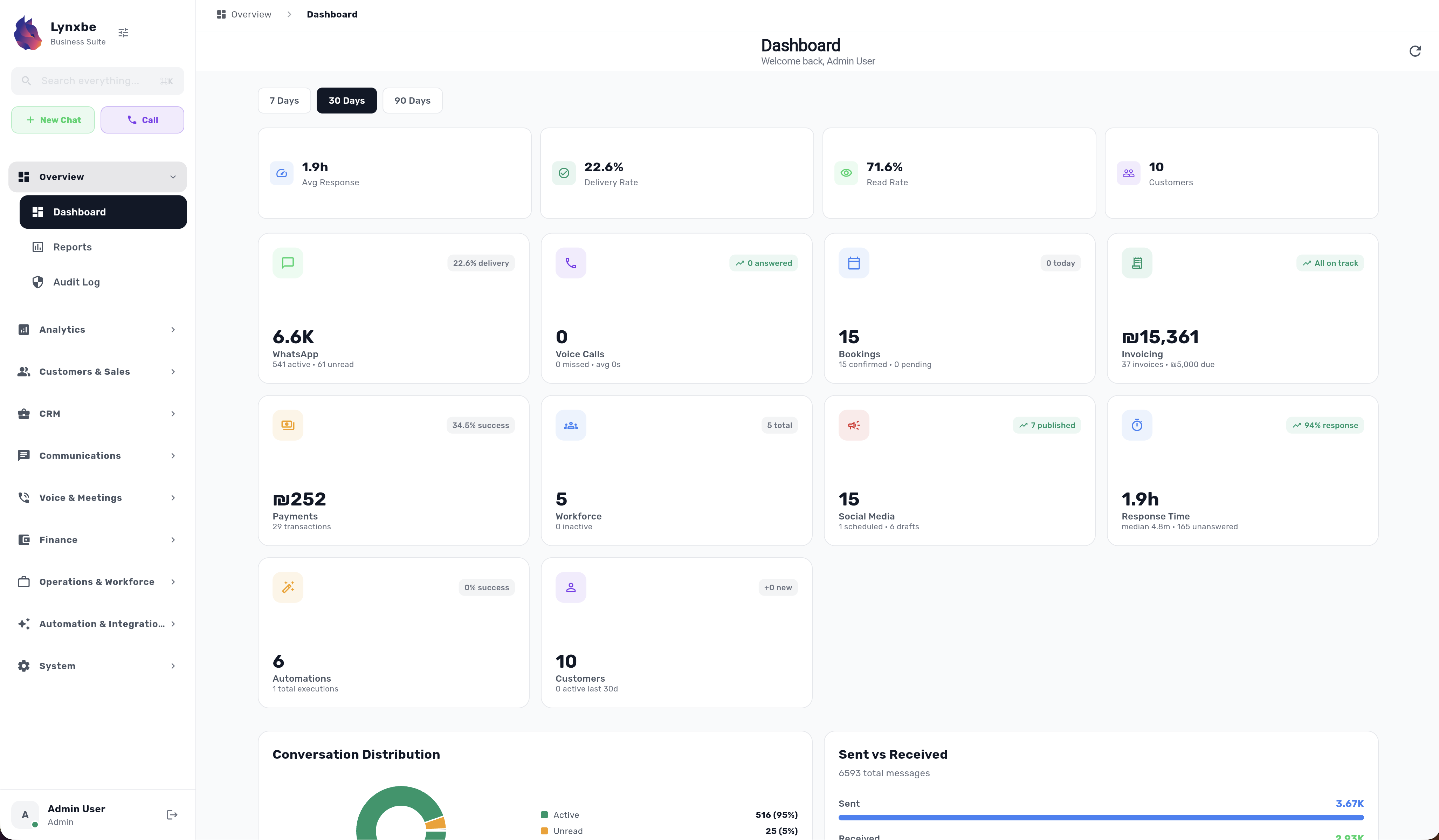
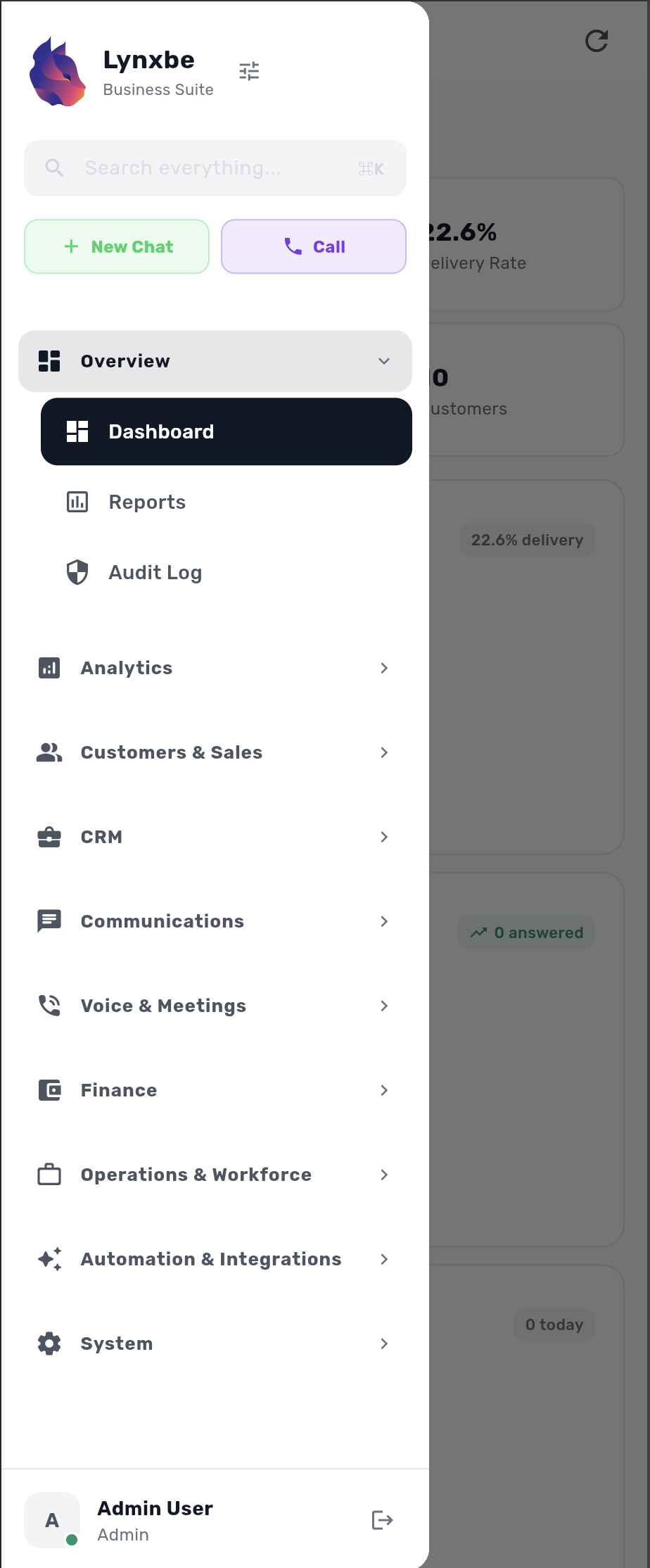
See the Platform in Action
Experience a powerful interface designed for productivity on any screen
Chat API for Custom Development
Integrate team chat with your systems via API. Channel management, message history, and bot creation built in.
POST /api/v1/email/send
Content-Type: application/json

{
  "to": "customer@example.com",
  "template": "welcome_email",
  "variables": {
    "name": "David",
    "plan": "Business Pro"
  }
}
RESTful API
Modern REST API with full JSON support. Comprehensive documentation and code examples for every endpoint.
Webhooks
Real-time event notifications via webhooks. Configure custom endpoints for every event type.
Advanced Security
OAuth 2.0, API keys and rate limiting. All requests encrypted with HTTPS.
Built-in SDK
Ready-to-use SDKs for Python, Node.js, PHP and Java. Start developing in minutes with code examples.
One Platform. Everything Connected.
Every module works together seamlessly. Your data flows automatically between CRM, Booking, Payments, Communications, and more.
No More Switching Apps
Everything you need in one place. No juggling between 10 different tools.
Automatic Data Sync
Customer data, bookings, payments, and communications sync automatically.
Smart Automation
Create workflows that span multiple modules. Book → Invoice → Remind → Follow-up.
Unified Analytics
See your entire business performance in one dashboard with cross-module insights.
See How Modules Work Together
Click any connection to see how two modules combine to create powerful automations
WhatsApp + CRM
See full customer history when they message. Auto-tag contacts, track conversations, and personalize responses based on purchase history.
Booking + Invoicing
Auto-generate invoices when appointments complete. Send payment reminders, track revenue by service, and reconcile automatically.
Payments + Booking
Collect deposits at booking time. No-shows drop 60%. Process full payments, offer installments, and manage refunds seamlessly.
AI + WhatsApp
24/7 intelligent responses. Answer FAQs, book appointments, send quotes - all automatically while you sleep.
Contracts + Payments
Auto-trigger payment collection when contract is signed. No chasing clients - funds transfer on signature.
Automation Flows
Build powerful workflows: New lead → WhatsApp welcome → Book demo → Send contract → Collect payment → Add to CRM.
Real Example: The Perfect Customer Journey
Zero manual work. Every step automated.
Power Combinations
See how 3 and 4 modules create complete business workflows
Smart Booking Experience
Booking + WhatsApp + CRM
Customer books online → WhatsApp confirmation with their name from CRM → Personalized reminder with past service history → Post-visit follow-up based on preferences
Automated Billing Cycle
Invoicing + Payments + Email
Invoice generated → Payment link embedded → Email sent → Reminder at 7 days → Thank you email on payment → Receipt auto-delivered
24/7 Smart Scheduler
AI + WhatsApp + Booking
Customer messages at 2am → AI understands intent → Shows available slots → Books appointment → Confirms instantly → No human needed
Smart Call Center
Voice + CRM + Analytics
Call comes in → Customer card pops up with full history → Agent sees previous purchases & preferences → Call logged automatically → Analytics tracks call duration, outcomes & agent performance
Multi-Channel Reminders
SMS + WhatsApp + Booking
Customer books appointment → WhatsApp confirmation sent → SMS reminder 24h before → WhatsApp reminder 1h before → No-show? Auto-reschedule message sent on both channels
Omnichannel AI Support
Voice + WhatsApp + AI
Customer calls → AI voice assistant answers → Can't resolve? Transfers to WhatsApp for detailed help → AI continues conversation seamlessly → Full transcript saved
Complete Service Business
CRM + Booking + Invoicing + Payments
New customer added to CRM → Books service → Appointment completed → Invoice auto-generated with customer details → Payment collected → History updated in CRM
Intelligent Customer Engagement
CRM + AI + WhatsApp + Analytics
AI identifies high-value customers in CRM → Sends personalized WhatsApp offers → Tracks engagement → Analytics shows ROI → AI optimizes next campaign
Deal Closing Machine
CRM + Contracts + Payments + Email
Lead marked 'ready' in CRM → Contract auto-generated with details → Sent for e-signature → Payment triggered on sign → Welcome email sent → Deal closed
Frequently Asked Questions
Everything you need to know about this module
What is Lynxbe Team Chat?
Can I create private channels?
Does Team Chat support file sharing?
Can I integrate Team Chat with other tools?
Is Team Chat available on mobile?
Join businesses using Lynxbe Team Chat. Start your free trial today.