
Get to know Lynxbe
עבריתLearn. Try. Move forward.
Guides to help you get started and complete tasks in your workspace. Choose a topic, follow the steps and try the demonstration at your own pace.
17 guidesWritten steps · Video · Demonstration
17 guides
-
 The written guide is available
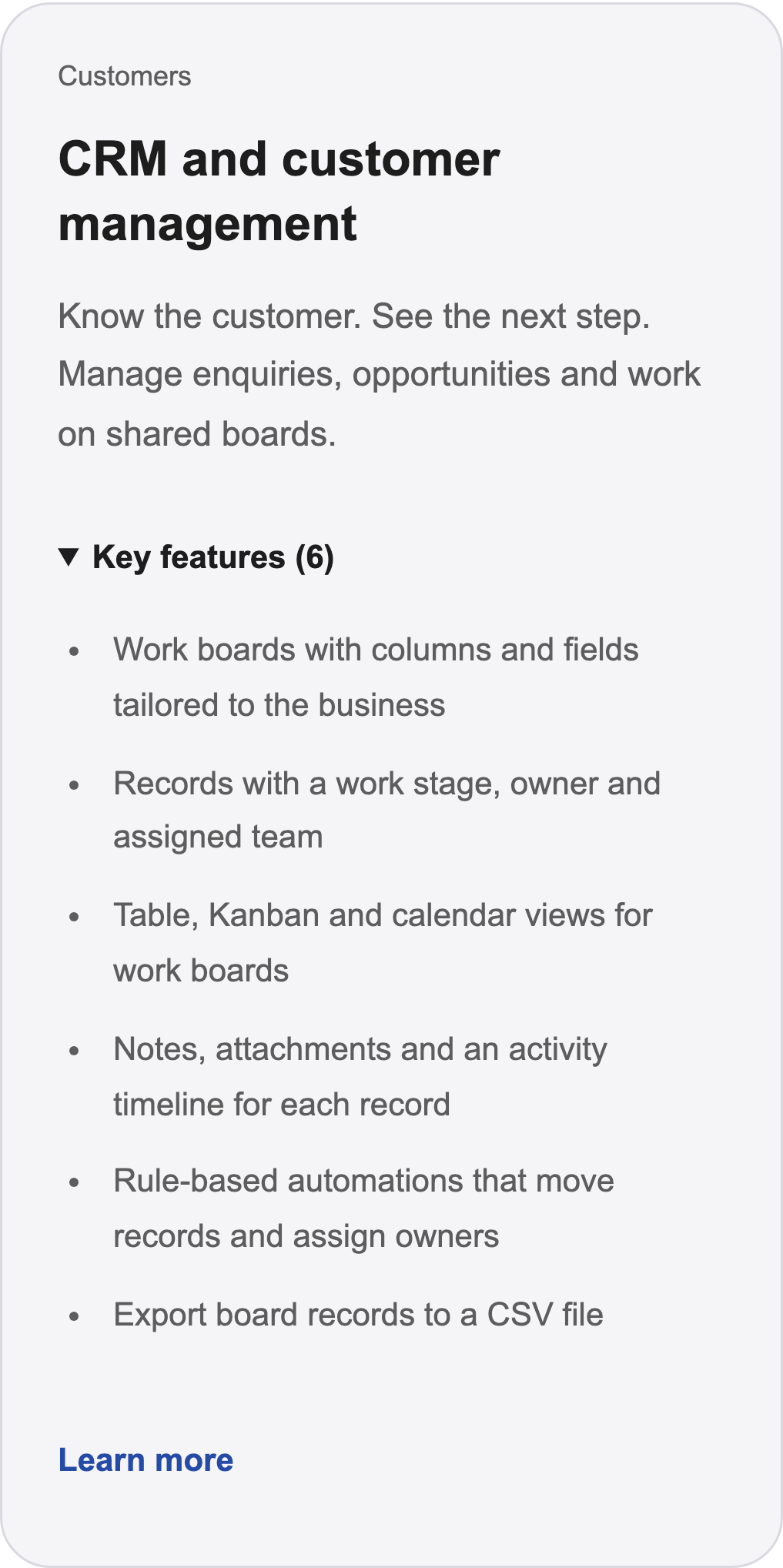
Get to know Lynxbe
Find the module for your task and explore its key features. Open the guide and demonstration Before you begin: Catalog captured on October 9. The website module catalog has continued to evolve. -
 The written guide is available
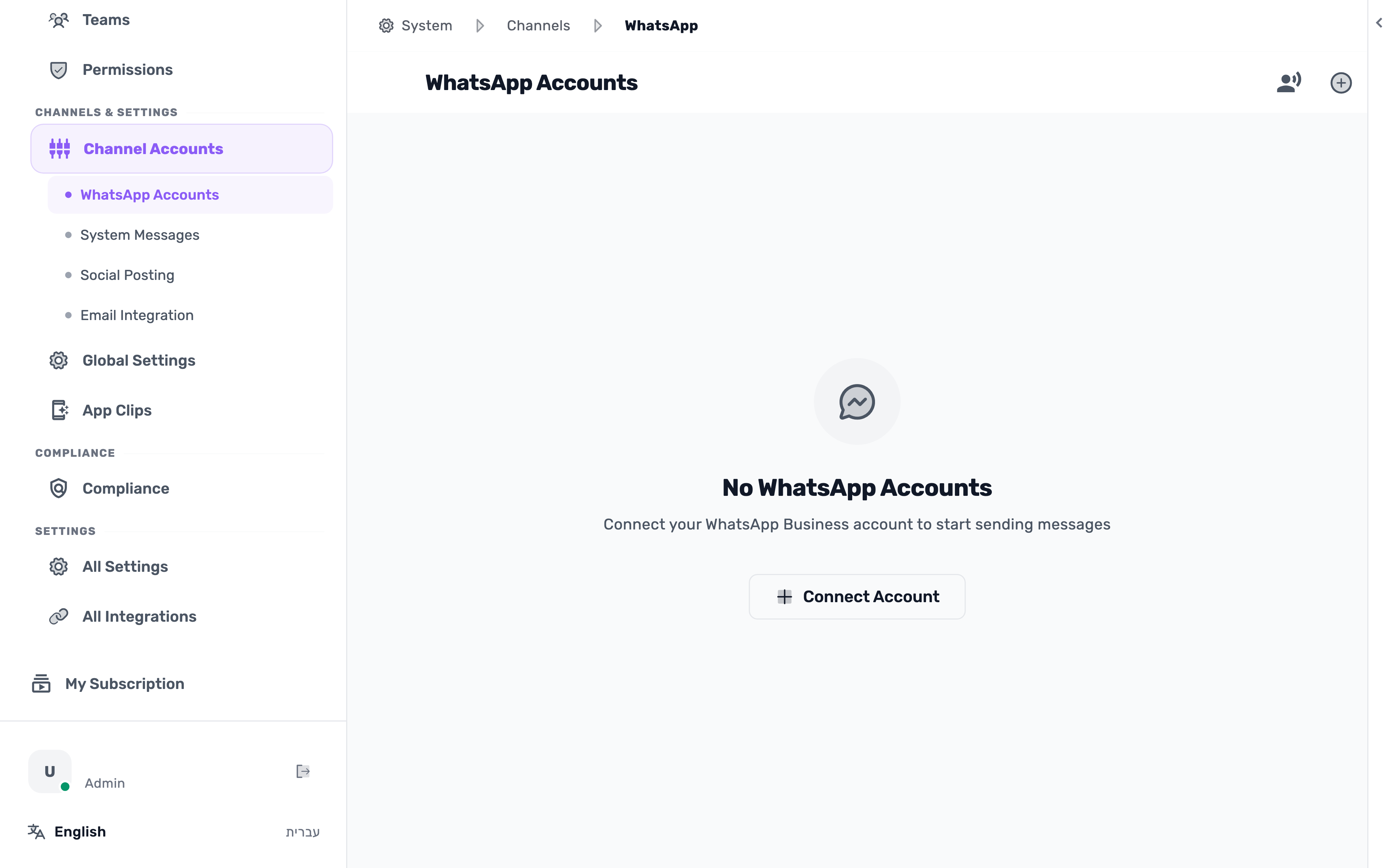
Connect WhatsApp to your business
Choose a connection method, add a number and check your account. Open the guide and demonstration Before you begin: Some Meta screens are shown as labeled illustrations. -
 The written guide is available
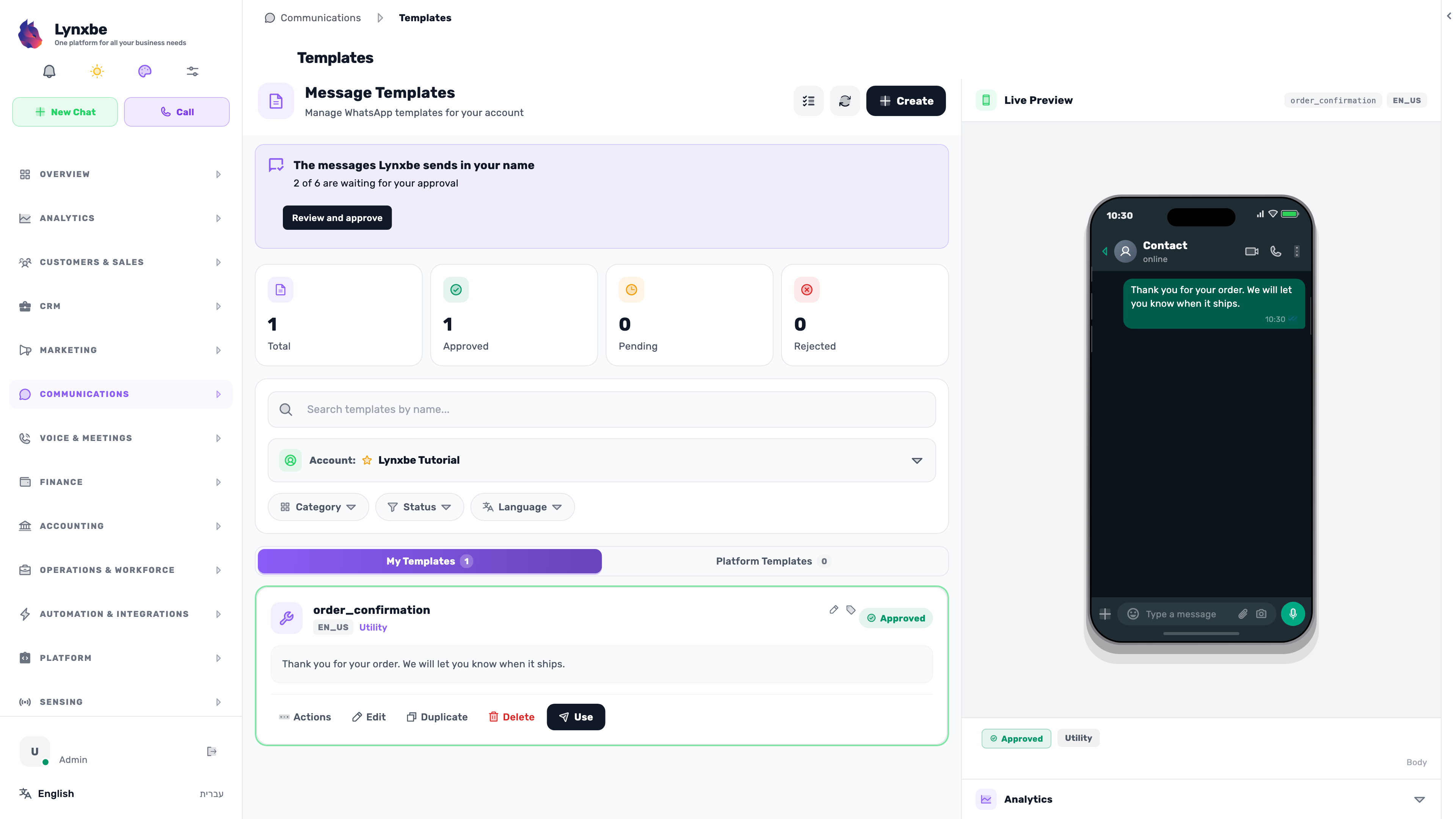
Create WhatsApp templates
Start with an example, prepare the content and submit it for Meta review. Open the guide and demonstration Before you begin: Submission and approval states use isolated demonstration data. -
 The written guide is available
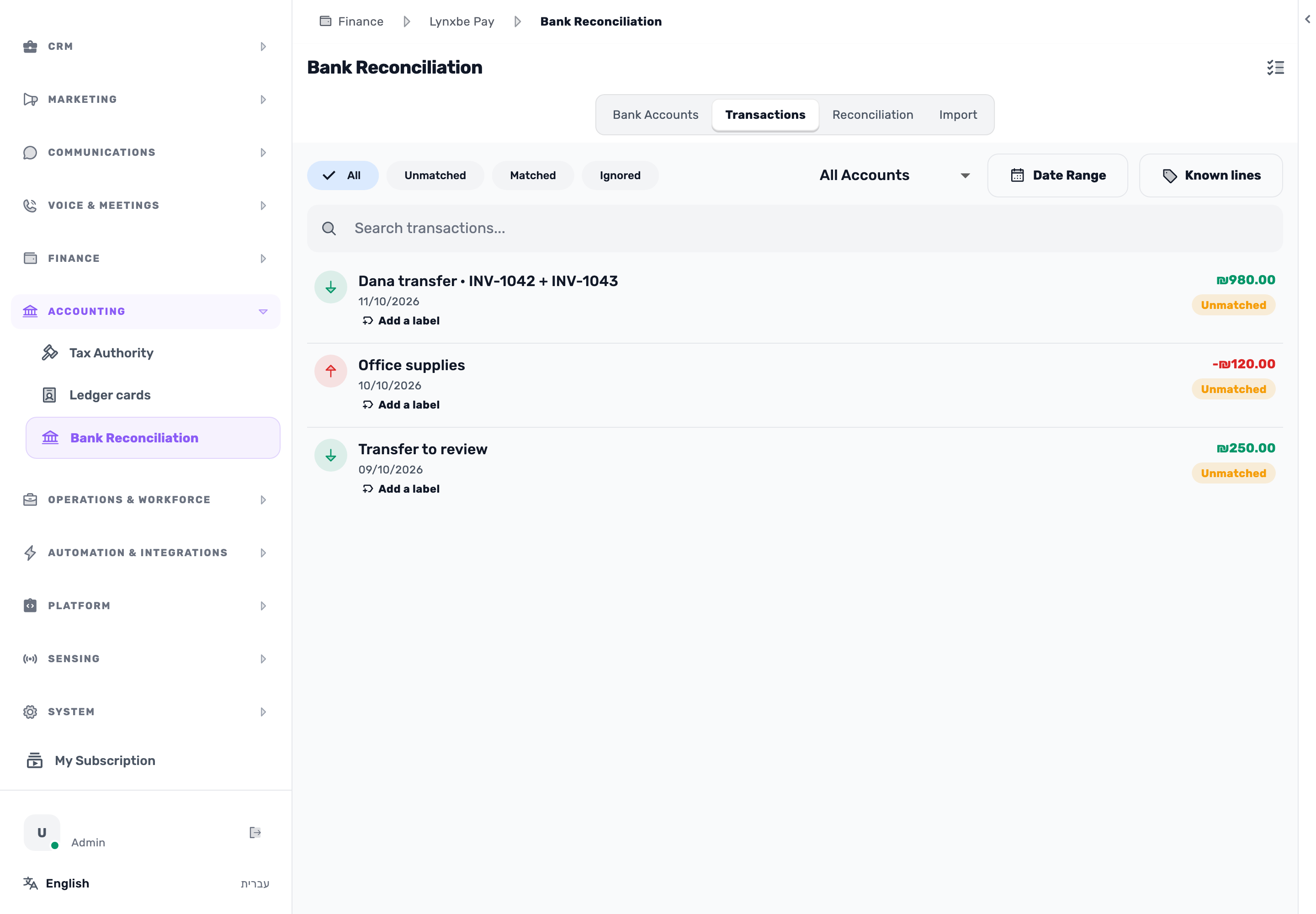
Bank reconciliation
Import transactions, review suggestions and confirm a match. Open the guide and demonstration -
 The written guide is available
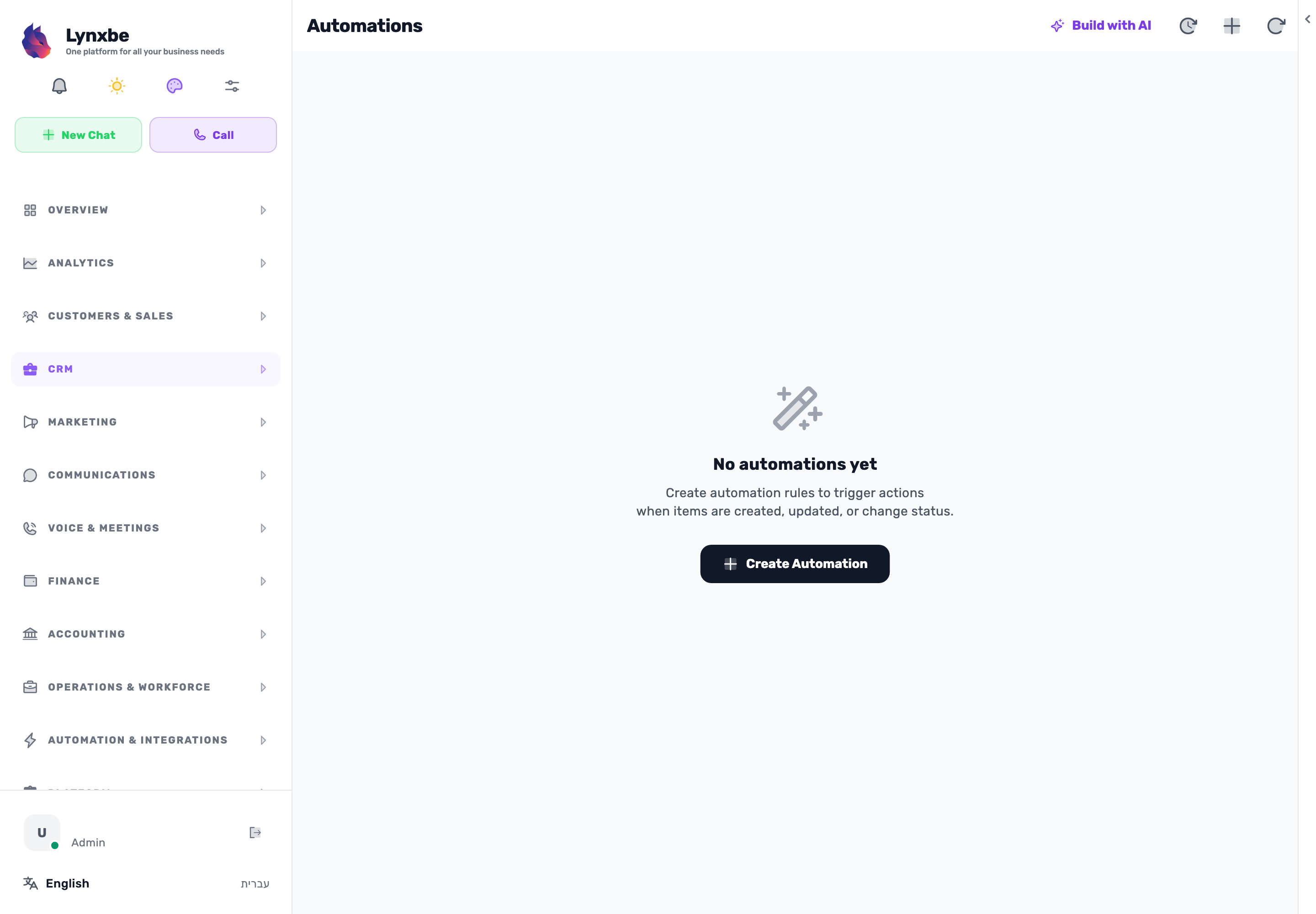
CRM automations
From a new lead to an owner and follow-up task. Set up and test a rule. Open the guide and demonstration -
 The written guide is available
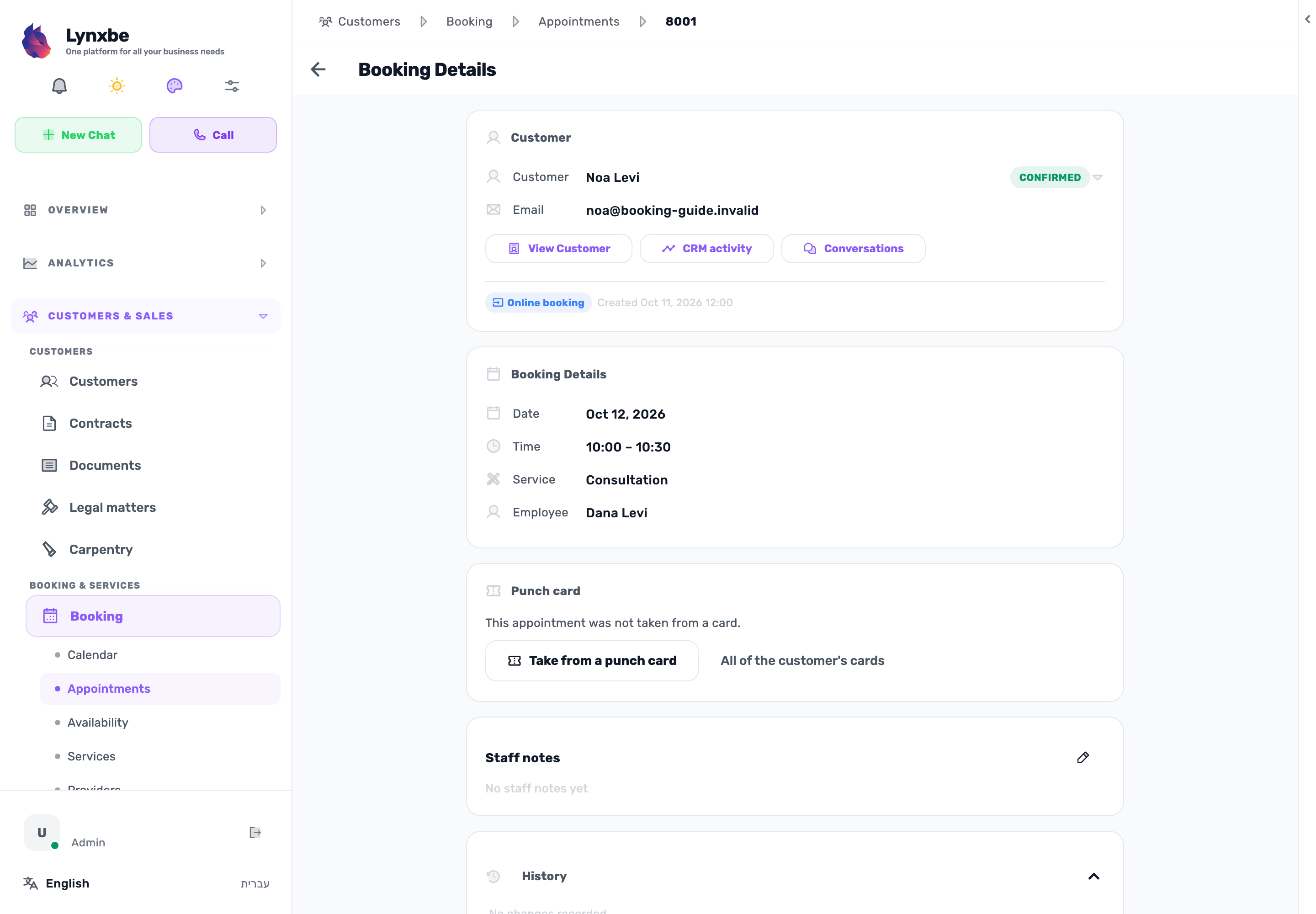
Appointment booking
Set up a service and availability, check the booking page and approve a request. Open the guide and demonstration -
 The written guide is available
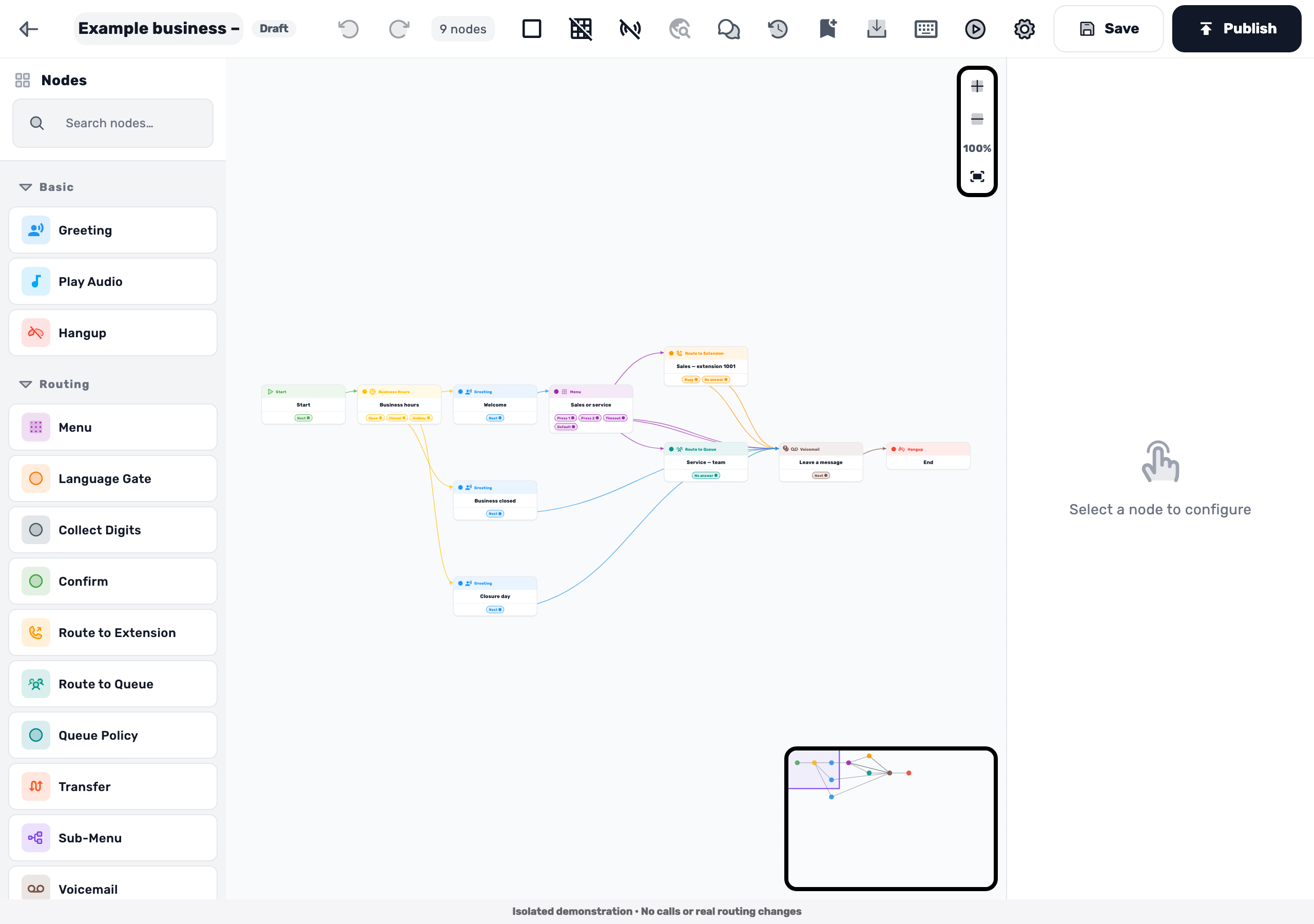
Voice menus and call routing
From a greeting to a menu and business hours. Test each route before connecting a number. Open the guide and demonstration Before you begin: Call routes are tested in a simulation. The demonstration does not place a call. -
 The written guide is available
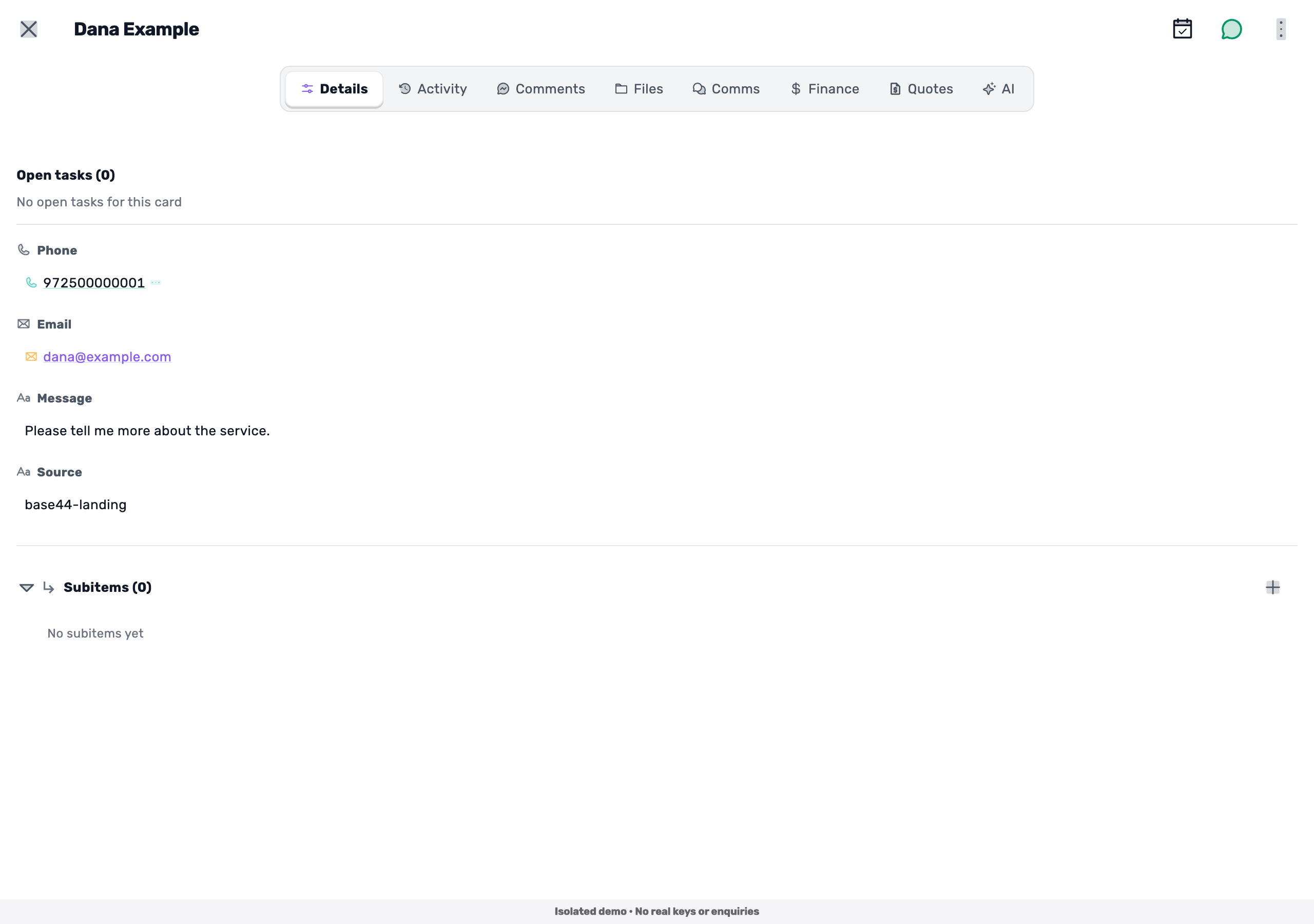
Base44 — from a website form to the Leads board
Create an API key, store it on the server and connect a form to lead intake. Open the guide and demonstration Before you begin: Base44 screens are documentation-based illustrations. The complete connection has not been verified in a live account. -
 The written guide is available
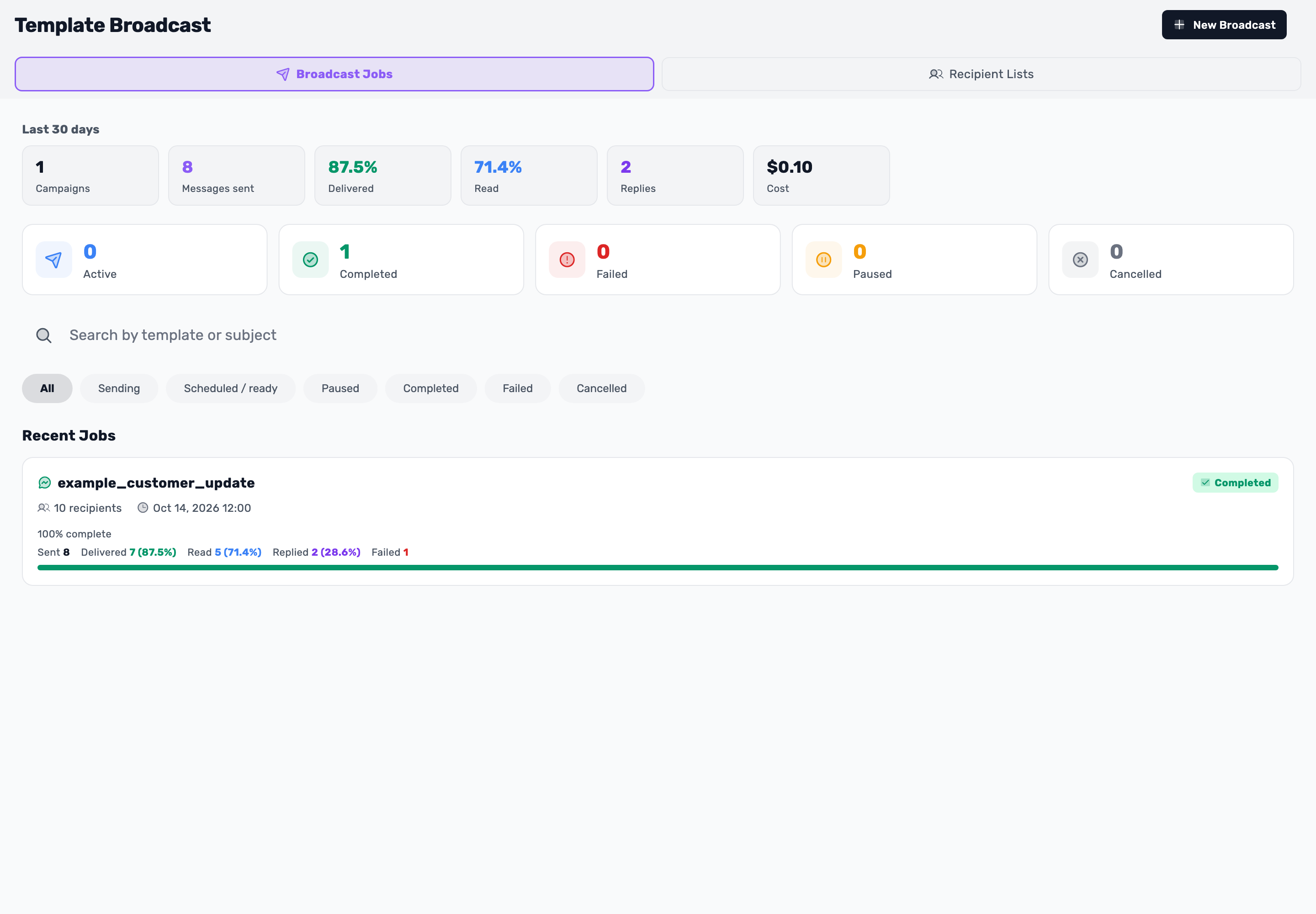
WhatsApp broadcasts — from audience to results
Prepare a list, personalize a template, review timing and understand the results. Open the guide and demonstration Before you begin: Template approval and results are demonstration data. The guide creates no job, sends no message and charges nothing. -
 The written guide is available
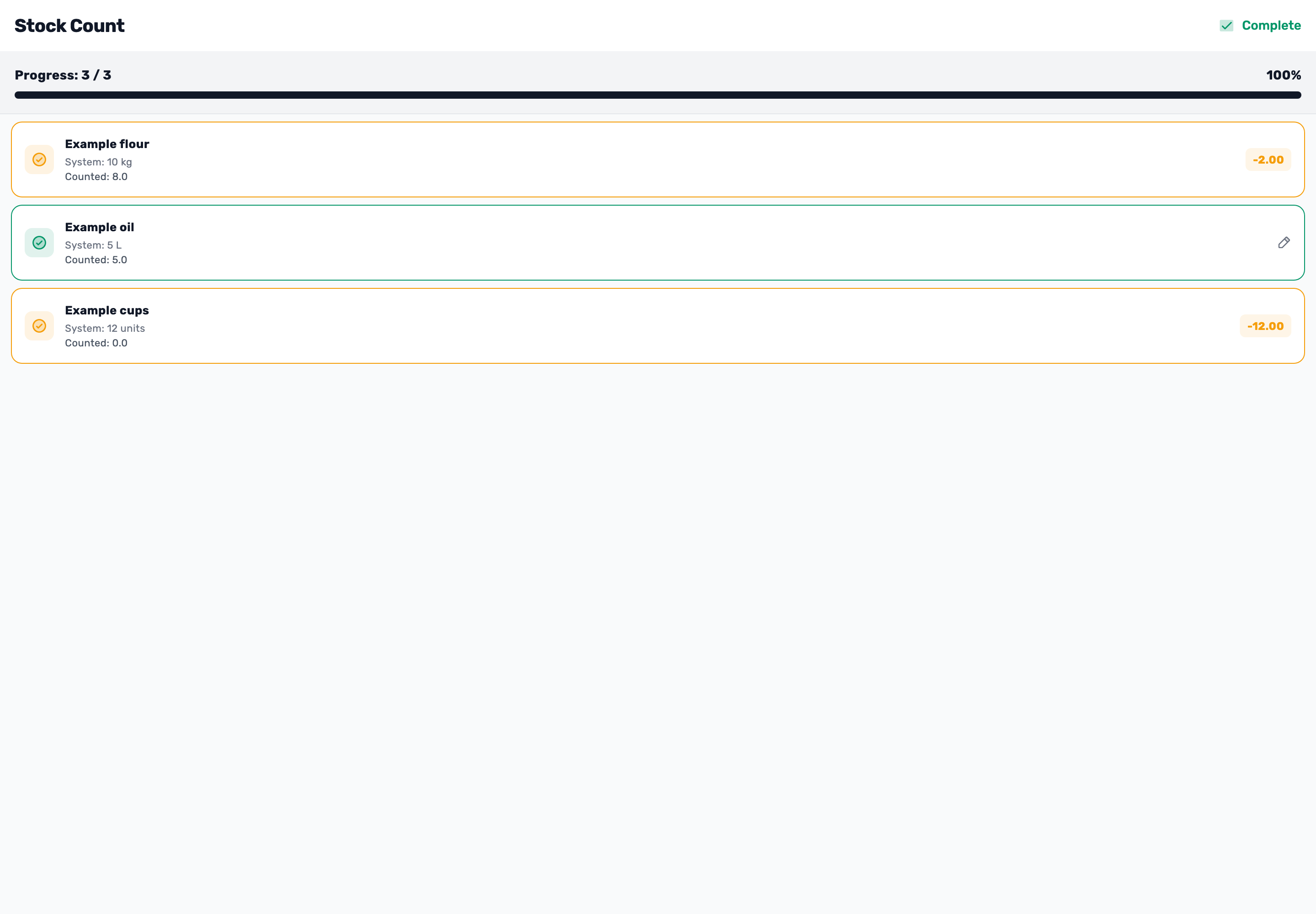
Stock count. From shelf to accurate quantities.
Enter quantities, review differences, then verify stock and movements. Open the guide and demonstration Before you begin: The count and movements are demonstration data. Complete updates stock immediately in the real system. -
 The written guide is available
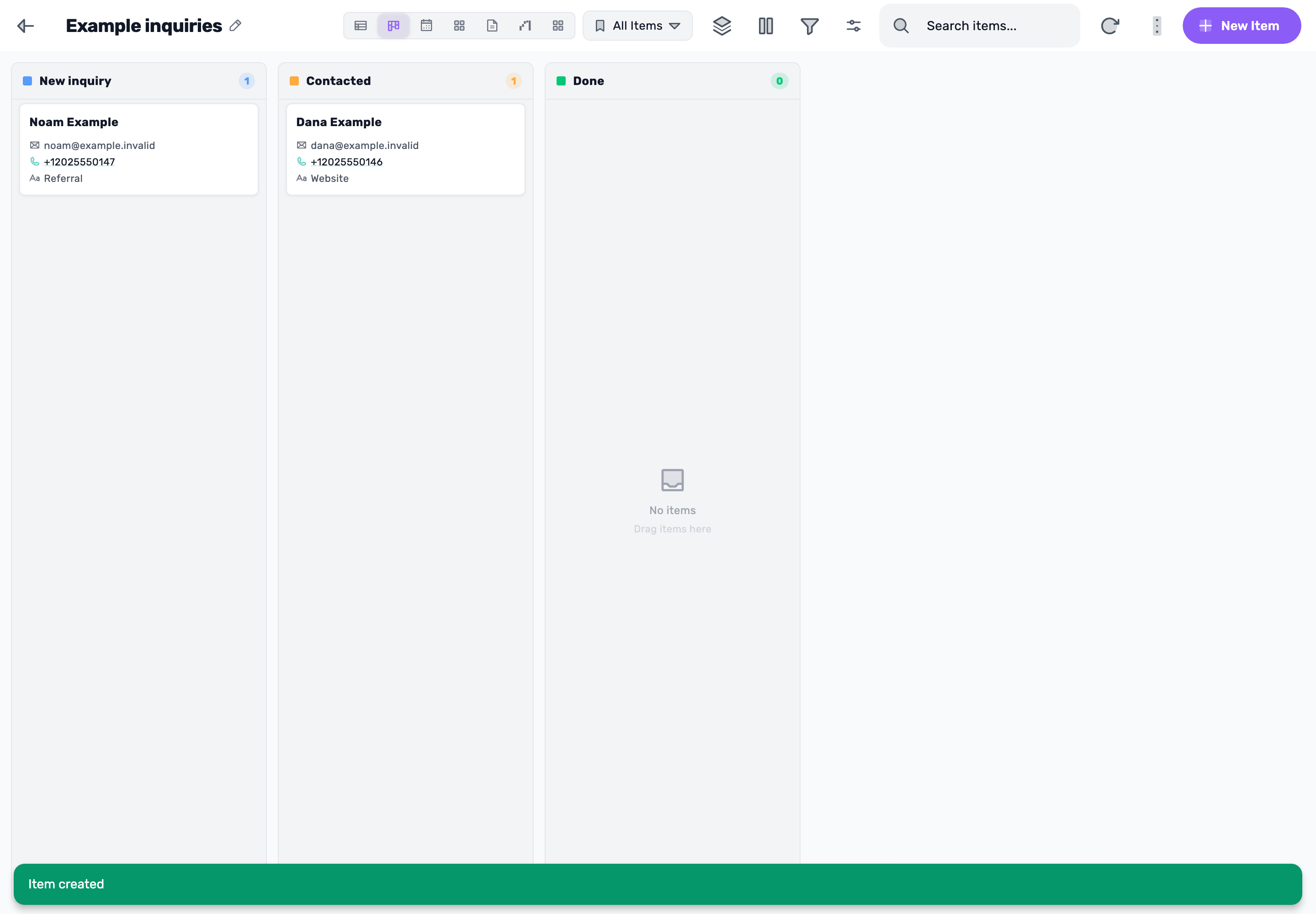
Lead boards. From inquiry to clear progress.
Create a board, add inquiries, and move them forward step by step. Open the guide and demonstration Before you begin: Isolated demonstration data. In the mobile guide, three setup steps are labeled and shown on a computer. -
 The written guide is available
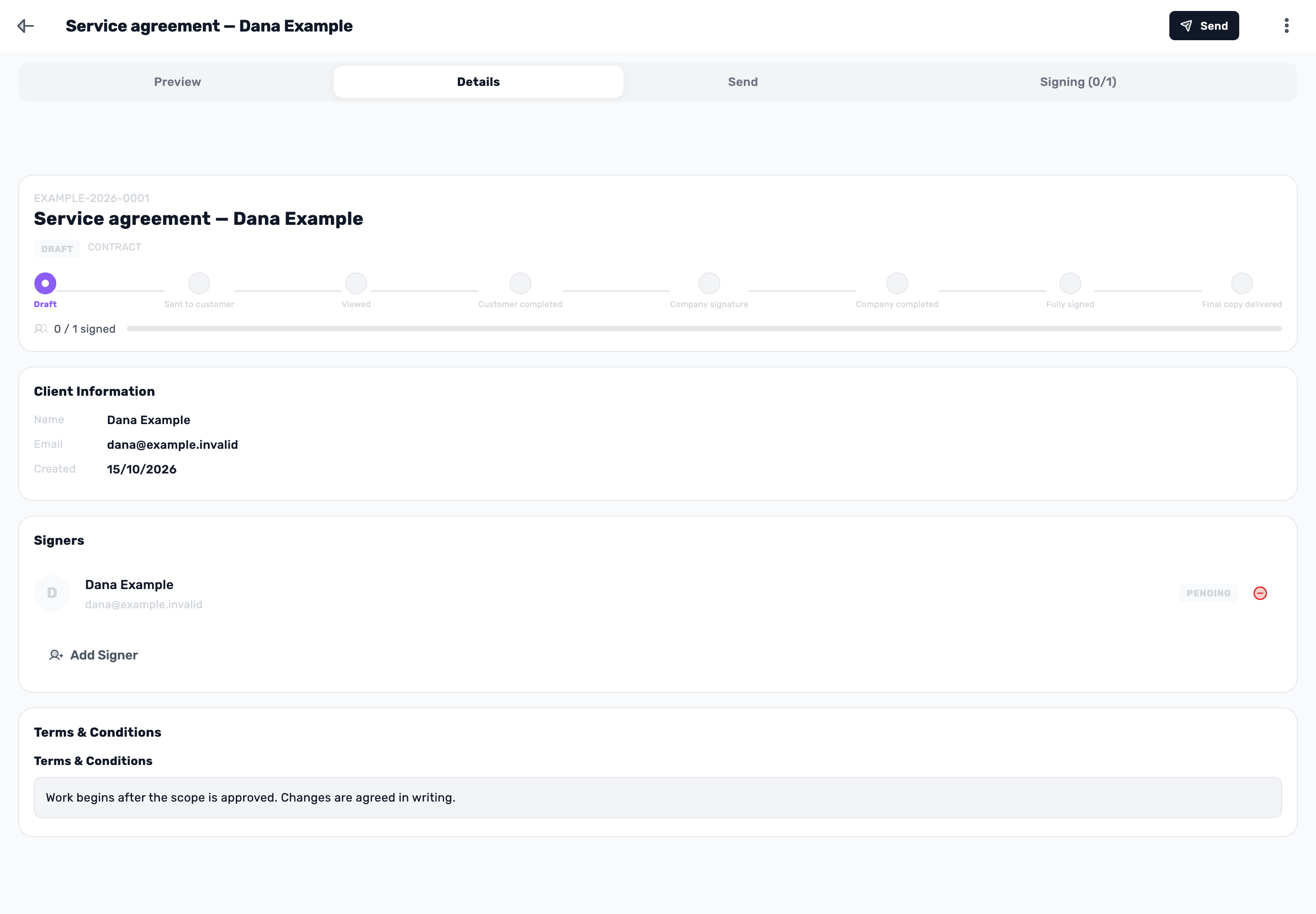
Contracts and signing. From draft to ready to send.
Choose a template, add a customer and signer, review the document, and save a draft. Open the guide and demonstration Before you begin: Isolated demonstration data. The document stays a draft; no contract was sent and no signature was collected. -
 The written guide is available
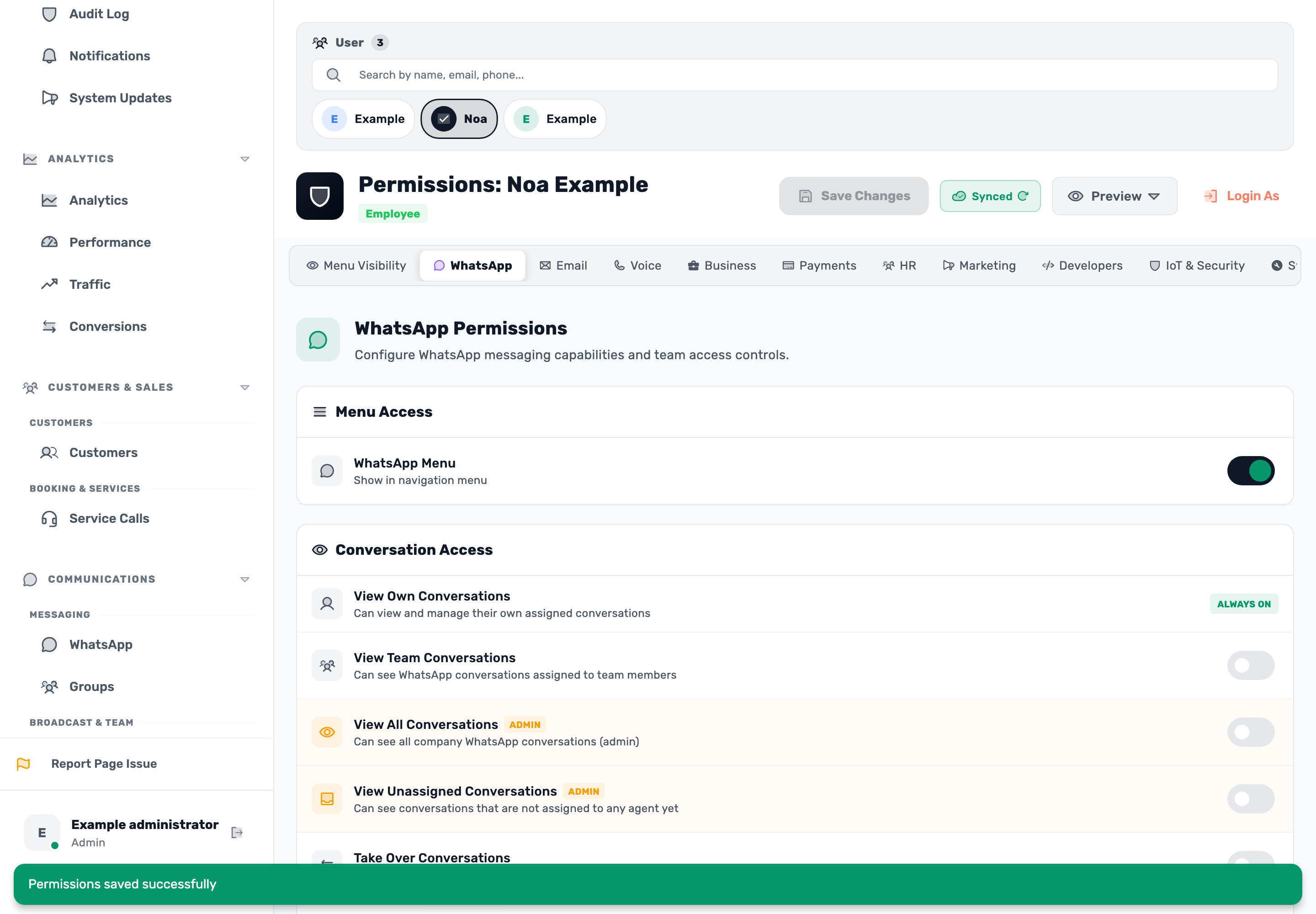
Permissions and access. The right access for every teammate.
Set menu visibility, actions and conversation access, then save and check the teammate’s access. Open the guide and demonstration Before you begin: Original screens and isolated demonstration data. Preview shows the menu only; no live customer permissions were changed and no message was sent. -
 The written guide is available
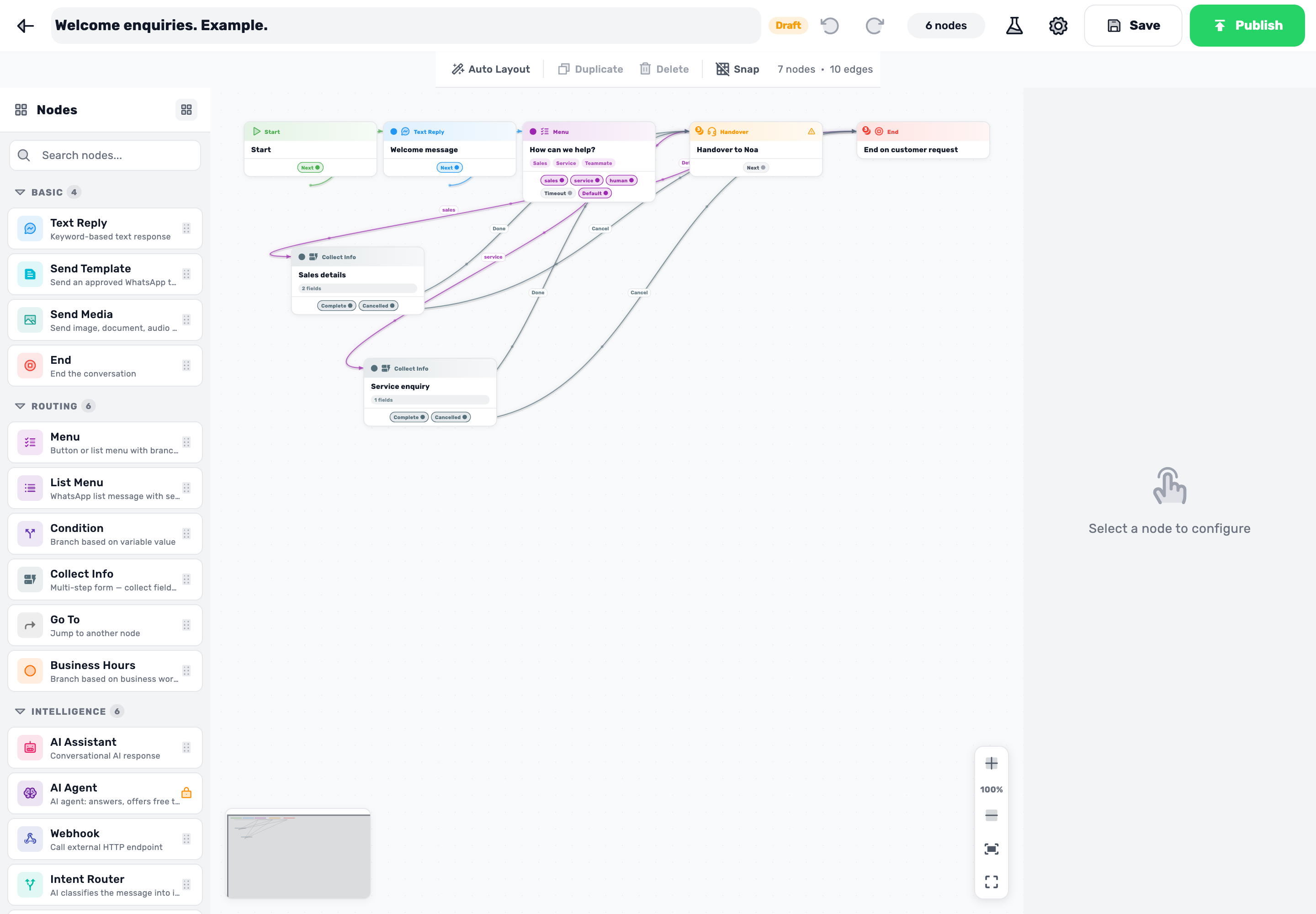
WhatsApp bot. From first message to the right teammate.
Build a menu, collect details and test Sales, Service and teammate handover. Save an inactive draft. Open the guide and demonstration Before you begin: Original screens and isolated example data. The simulator is local; no live bot activation, message delivery or customer conversation assignment occurs. -
 The written guide is available
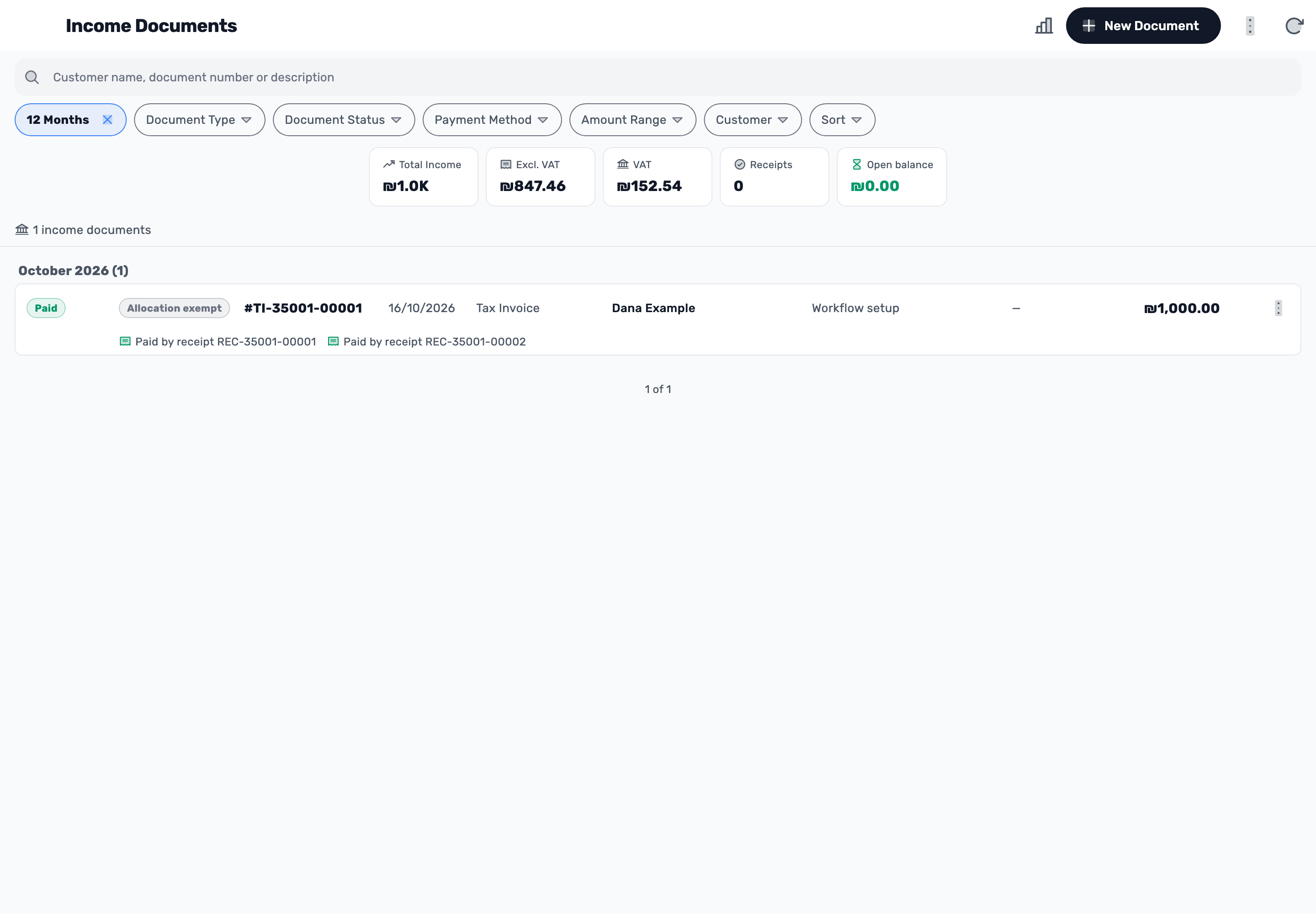
Invoices and payments. From draft to recorded payment.
Prepare a ₪1,000 invoice, review the draft and PDF, record ₪400 then ₪600, and check the balance and receipts. Open the guide and demonstration Before you begin: Original screens and isolated example data. No live invoice issuance, money transfer, charge, customer sending or tax submission occurs. -
 The written guide is available
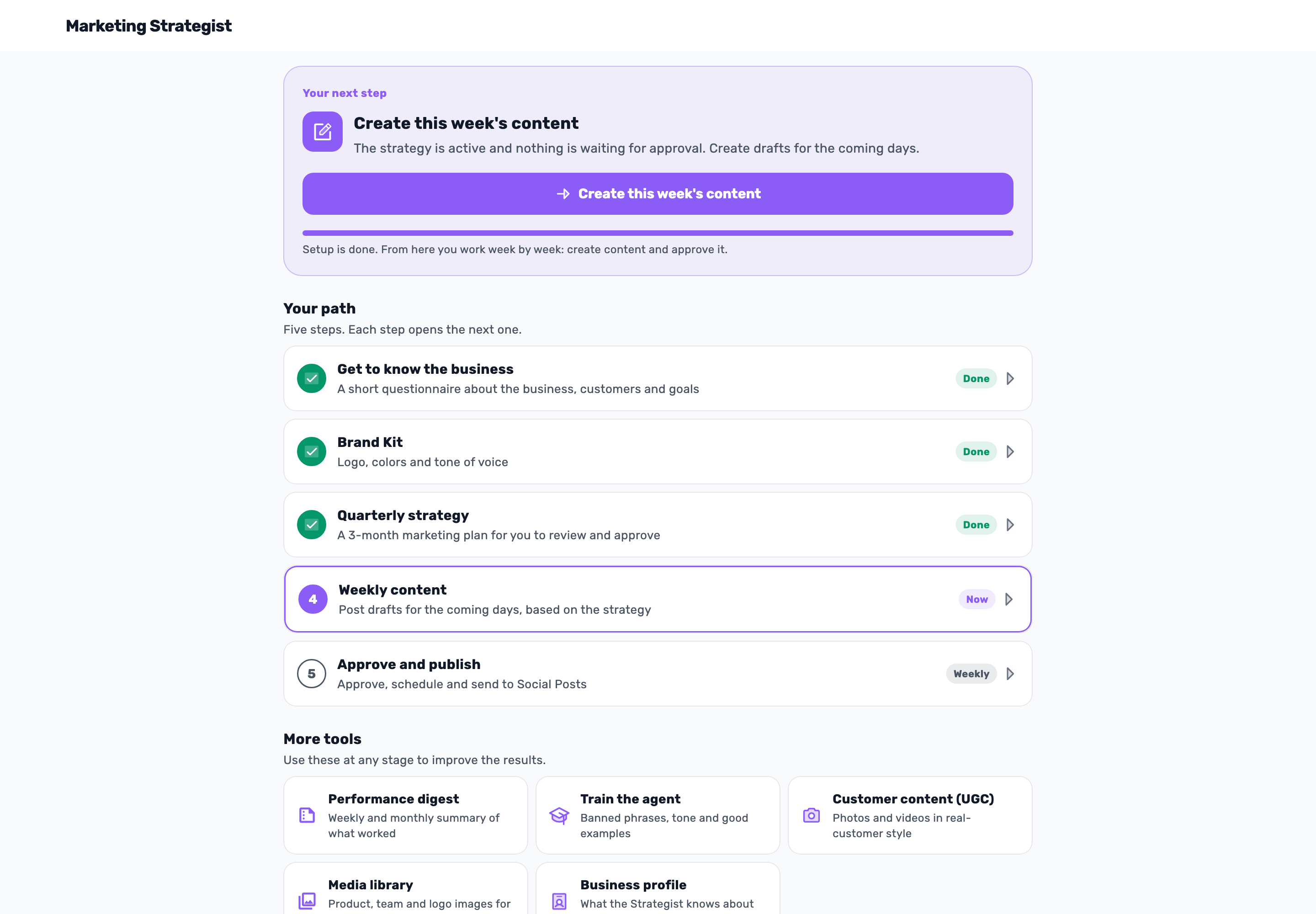
Marketing Strategist. From brief to a week of content.
Describe the business in nine rounds, review and refine a strategy, produce two drafts, edit and approve one, and reject the other with a reason. Open the guide and demonstration Before you begin: Original screens and isolated example data, with fixed example AI responses. No live AI provider, live-business strategy activation, publication, scheduling or spend. -
 The written guide is available
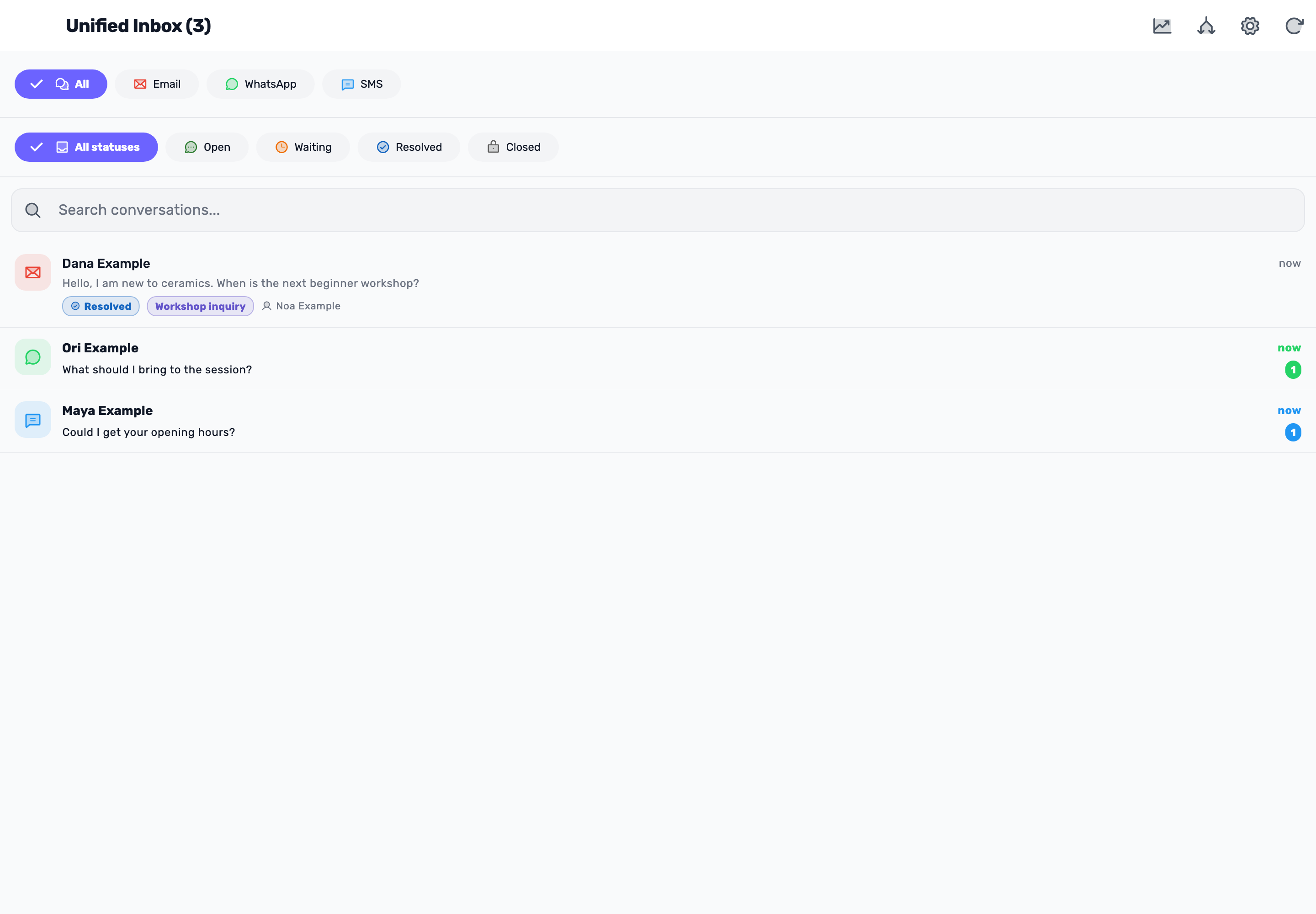
Unified inbox. From first inquiry to resolved conversation.
Find an inquiry, assign its owner, link a customer and add a label. Prepare a reply in the composer and verify the result. Open the guide and demonstration Before you begin: Original screens and isolated example data. The reply is an unsent draft; no live sending or survey occurs. Archive is shown without activating it.
No matching guides.
Try another topic or return to all guides.
Available actions depend on your plan, permissions and business connections.